The Biggest Microsoft Copilot Updates in 2026 We Know About, And What They Mean for Your Business
2026 is shaping up to be a transformational year for AI in the workplace. Microsoft has announced a wave of major Copilot updates rolling out across Teams, GitHub, Office apps, and the entire Microsoft 365 ecosystem. At SaaSberry Innovation Laboratories, we’re always looking ahead at the tools that will redefine how businesses operate, and these updates are some of the most impactful yet.
Here’s a breakdown of the most exciting innovations coming this year, and why they matter for organizations aiming to scale, automate, and work smarter.
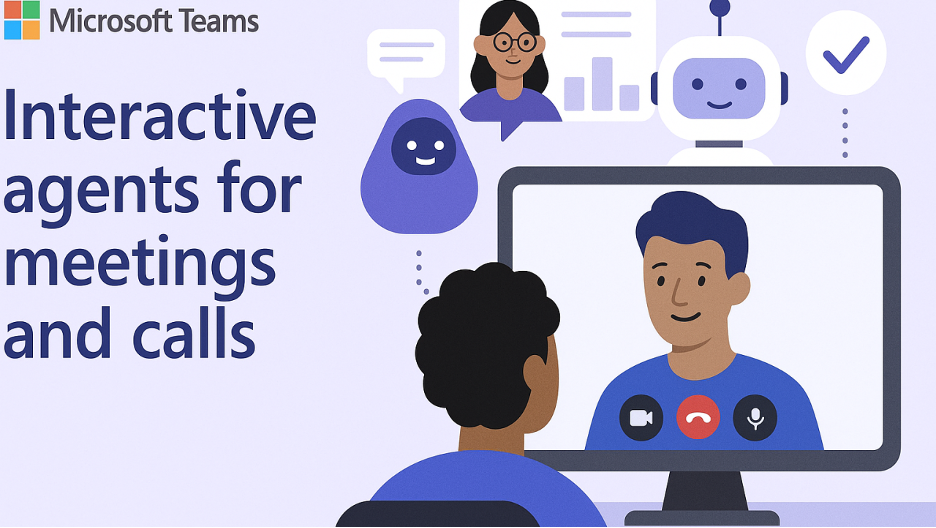
1. Interactive Meeting Agents (Microsoft Teams)
Microsoft is bringing AI deeper into meetings with features designed to reduce cognitive load, increase clarity, and help teams stay aligned.
On‑Screen Analysis (2025 → 2026)
Copilot will soon be able to “see” what’s happening during a meeting, not just hear it. It can:
Observe visual cues, whiteboards, and shared screens
Align them with spoken content
Produce cross‑referenced notes combining visuals + transcript
This means you get meeting summaries that actually reflect the full context, not just the audio.
Private Meeting Agents
You can now summon your own personal AI agent during a group meeting.
Want a recap of the last point someone made?
Need your agent to follow only the topics relevant to your department?
Want a private summary without interrupting the group?
Now you can — silently and instantly.
2. Autonomous “Agent Mode” for Excel, Word & Outlook
This is the headline update for 2026,Copilot is evolving from chat to do.
Excel
Copilot can now autonomously:
Clean and normalize messy datasets
Identify anomalies
Generate multi‑page reports
Perform calculations without you writing a single formula
Tell it what you need. It handles the how.
Outlook
Introducing Voice Catch‑Up:
Talk to your inbox hands‑free, and Copilot responds with clean summaries, action items, and follow‑ups, even while commuting.
Word
Copilot can now take a collaborative canvas (like a Loop page or shared doc) and auto‑generate a fully structured, professionally formatted document grounded in the group’s content.
Goodbye blank page. Hello instant deliverables.
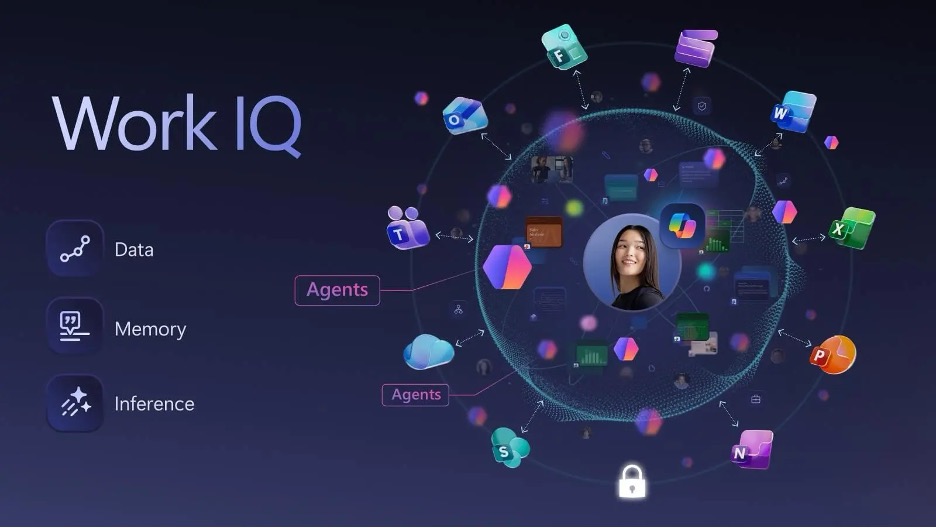
3. Work IQ, he New Intelligence Layer for Your Organization
Microsoft is introducing Work IQ, an AI-powered memory layer that acts like a second brain for your business.
Contextual Awareness
Copilot now remembers:
Your past actions
Preferences
Email and Teams communication history
It uses this to generate hyper‑relevant, personalized assistance.
Specific Filters for Precision Search
You can now filter Copilot Search to look at:
Only your calendar
A specific SharePoint site
A specific person’s recent shared items
Result: dramatically more accurate and context-aware results.
4. GitHub Copilot — Agent Mode
GitHub Copilot is shifting from code suggestion to full autonomous workflows.
Agent Mode can:
Build multi-step solutions
Set up scaffolding for applications
Troubleshoot and fix issues
Run tasks end‑to‑end with minimal input
This is the future of software development — AI that doesn’t just autocomplete code, but owns entire development tasks.
5. GPT‑5.2 Integration Across Copilot
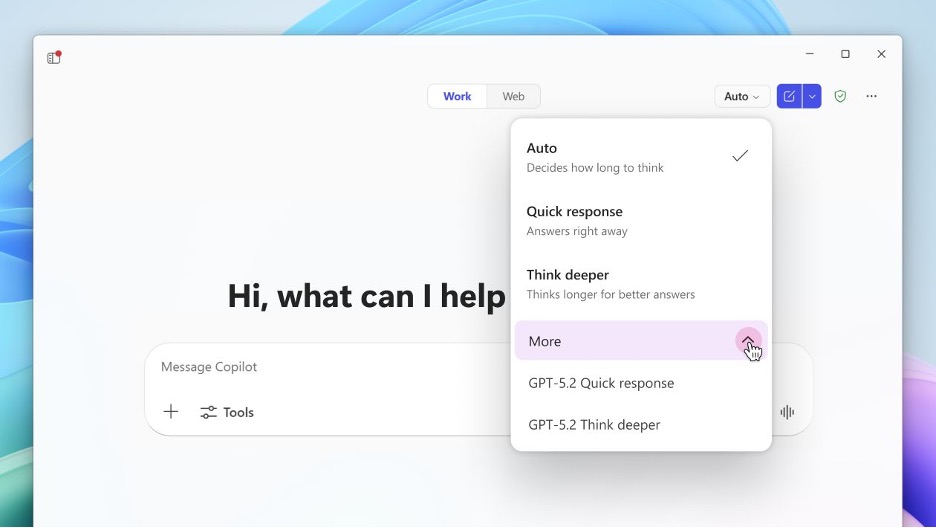
As of early 2026, all of Microsoft Copilot runs on GPT‑5.2 by default.
What this brings:
Auto‑Routing: Copilot intelligently adapts its reasoning depth based on task complexity, switching between lightweight and heavyweight reasoning models automatically.
Sora 2 for PowerPoint PowerPoint now includes upgraded Sora-based video generation, allowing users to create dynamic video scenes directly inside presentations using brand-consistent assets.
This unlocks studio‑quality video content with just a few prompts.
Why These Updates Matter for Growing Companies
For organizations like ours, and for the clients we build AI agents for, these updates represent a massive shift in what everyday teams will be able to accomplish.
Here’s how your business benefits:
Less time wasted in meetings
Cleaner, decision-ready data
Fast execution without technical bottlenecks
AI that adapts to the way your team already works
A more unified, memory‑driven organization
This is the year AI goes from “assistant” to co‑worker.
Final Thoughts
At SaaSberry Innovation Laboratories, we’re excited to see how these advancements will empower the next generation of AI‑driven businesses. As Microsoft raises the baseline of what’s possible with workplace AI, we’re already building custom agents that integrate into these new capabilities, unlocking automation, decision‑making, and operational intelligence specific to each company’s unique workflows.
If you want to explore how AI agents could transform your operations, we’d love to connect.