
The Biggest Microsoft Copilot Updates in 2026 We Know About, And What They Mean for Your Business
2026 is shaping up to be a transformational year for AI in the workplace. Microsoft has announced a wave of major Copilot updates rolling out across Teams, GitHub, Office apps, and the entire Microsoft 365 ecosystem. At SaaSberry Innovation Laboratories, we’re always looking ahead at the tools that will redefine how businesses operate, and these updates are some of the most impactful yet.
Here’s a breakdown of the most exciting innovations coming this year, and why they matter for organizations aiming to scale, automate, and work smarter.
On‑Screen Analysis (2025 → 2026)
Copilot will soon be able to “see” what’s happening during a meeting, not just hear it. It can:
- Observe visual cues, whiteboards, and shared screens
- Align them with spoken content
- Produce cross‑referenced notes combining visuals + transcript
This means you get meeting summaries that actually reflect the full context, not just the audio.
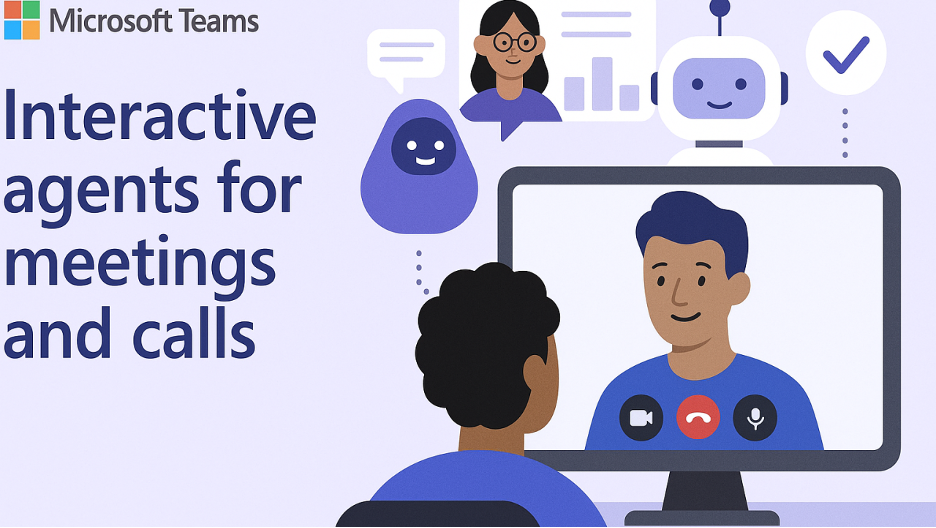
Private Meeting Agents
You can now summon your own personal AI agent during a group meeting.
- Want a recap of the last point someone made?
- Need your agent to follow only the topics relevant to your department?
- Want a private summary without interrupting the group?
Now you can — silently and instantly.
Excel
Copilot can now autonomously:
- Clean and normalize messy datasets
- Identify anomalies
- Generate multi‑page reports
- Perform calculations without you writing a single formula
Tell it what you need. It handles the how.
Outlook
Introducing Voice Catch‑Up:
Talk to your inbox hands‑free, and Copilot responds with clean summaries, action items, and follow‑ups, even while commuting.
Word
Copilot can now take a collaborative canvas (like a Loop page or shared doc) and auto‑generate a fully structured, professionally formatted document grounded in the group’s content.
Goodbye blank page. Hello instant deliverables.
Contextual Awareness
Copilot now remembers:
- Your past actions
- Preferences
- Email and Teams communication history
It uses this to generate hyper‑relevant, personalized assistance.
Specific Filters for Precision Search
You can now filter Copilot Search to look at:
- Only your calendar
- A specific SharePoint site
- A specific person’s recent shared items
Result: dramatically more accurate and context-aware results.